CrownGreen App for Canada
CrownGreen does not publish a native application in Google Play or the App Store. The mobile version is a progressive web app: the site is installed from the browser, keeps an icon on the home screen and opens in its own window with the same account, bonuses and lobby as the CrownGreen casino desktop site.
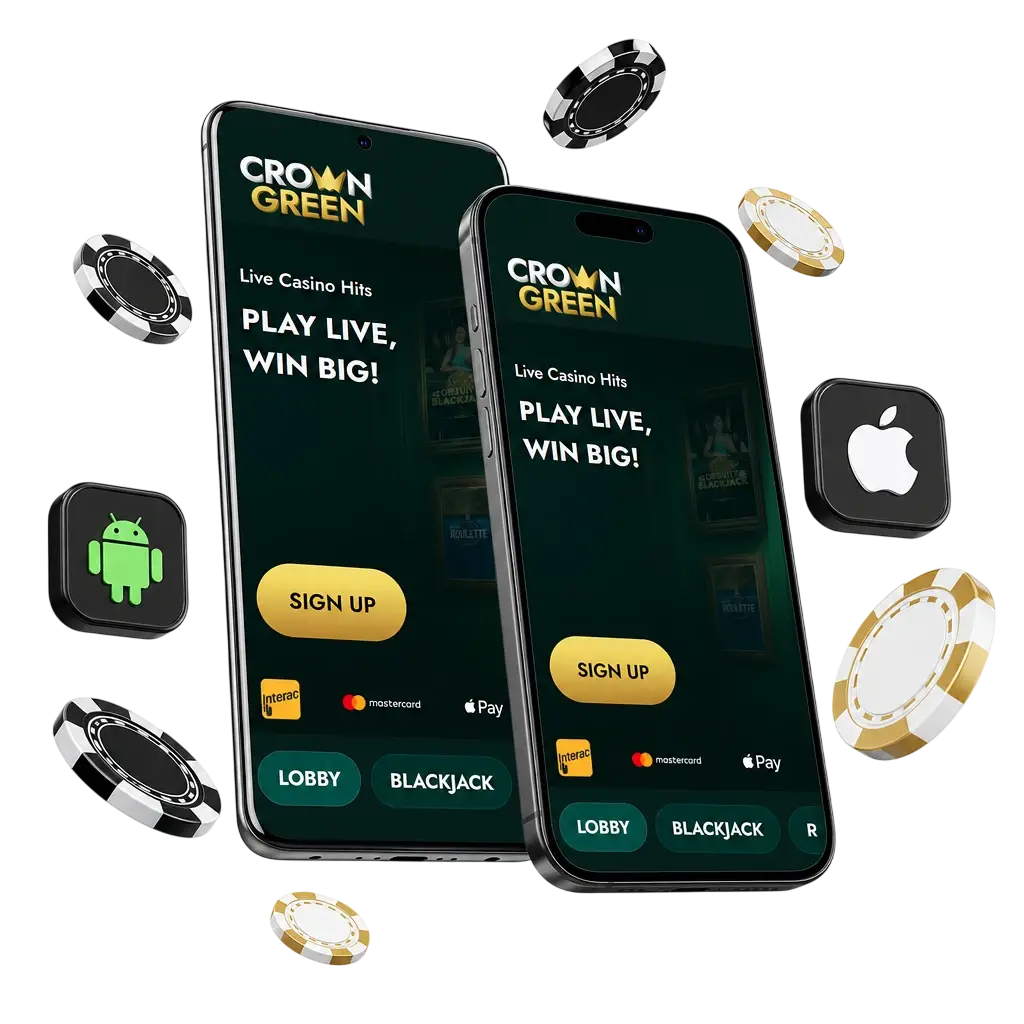
CrownGreen App: PWA Instead of a Native App
The site promotes the installation through a block called Exclusive Features Await the App, with an Install App button and two advertised benefits: secret exclusive bonuses and faster withdrawals. Because the app is a web build, it updates itself with the site and does not need a separate download from a store.
- No APK download and no store listing to search for
- Same login, balance and promotions as the browser version
- Icon on the home screen and a full screen window without browser tabs
- Updates arrive with the site, so no manual reinstall is needed
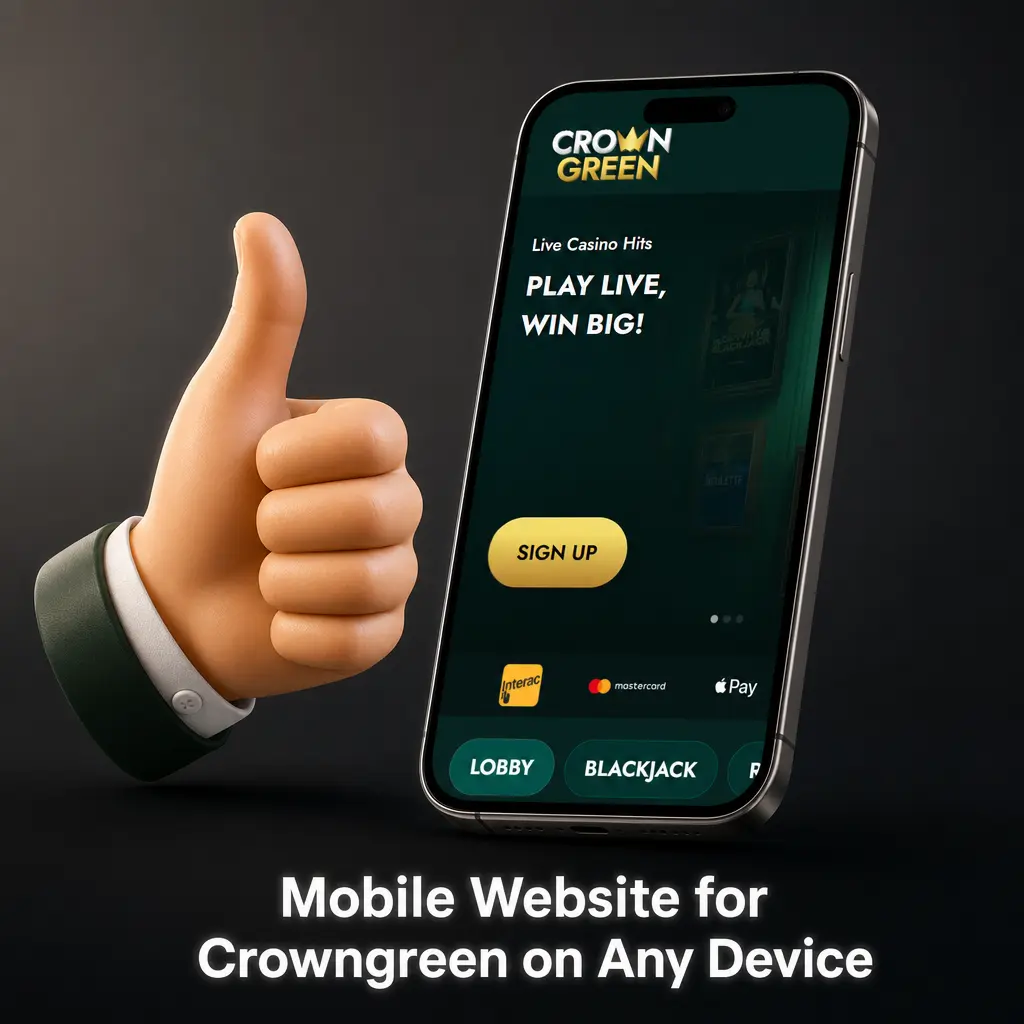
How to Install CrownGreen on Android
Chrome handles the installation in three taps. The Install App button on the site starts the same flow.
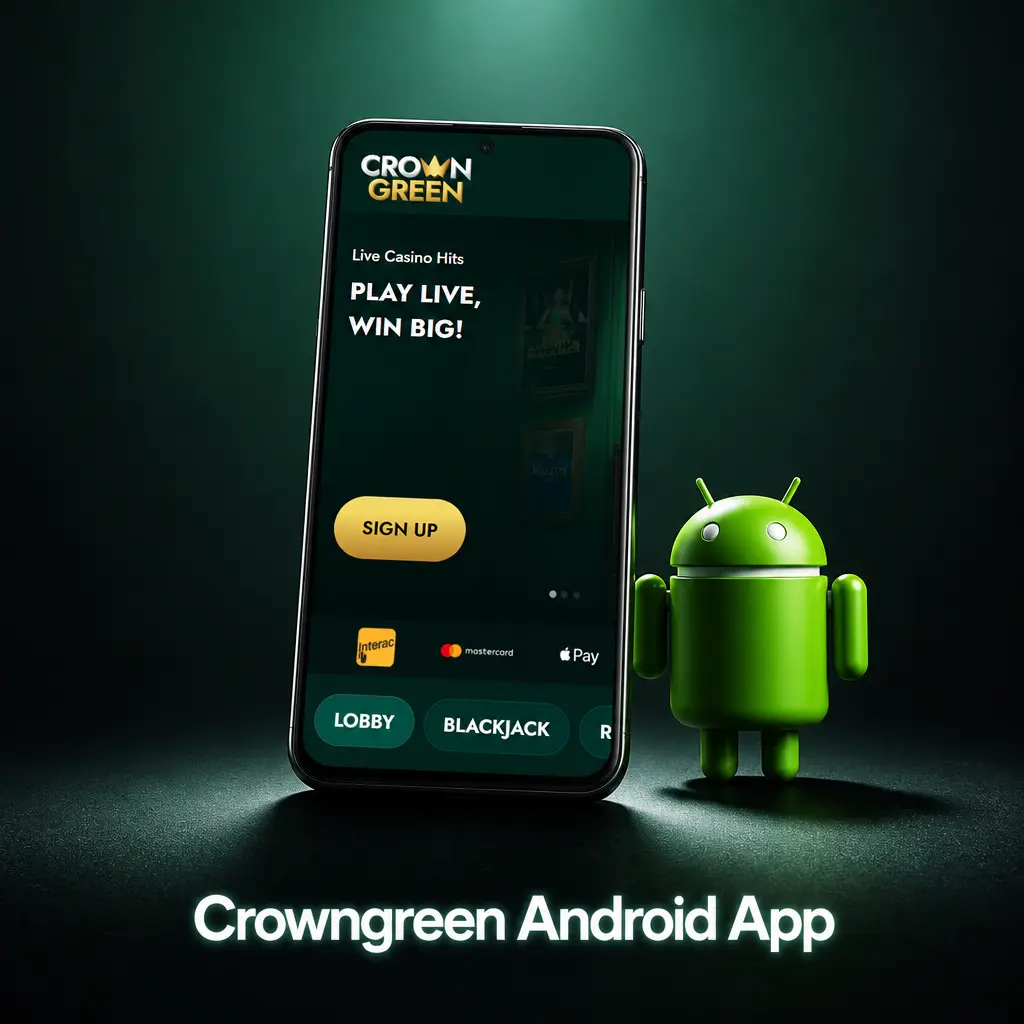
Open the site in Chrome
Load the CrownGreen homepage in the Chrome browser on your Android phone.
Open the browser menu
Tap the three dot icon in the top right corner of Chrome.
Choose Install app
Select Install app or Add to Home screen, depending on your Chrome version.
Confirm the installation
Press Install. The CrownGreen icon appears on the home screen and opens in a separate window.
How to Install CrownGreen on iPhone
On iOS the installation runs through Safari. Other browsers on iPhone do not offer the same option.
Open the site in Safari
Load the CrownGreen homepage in Safari on your iPhone or iPad.
Tap the Share button
The icon is the square with an arrow pointing up, in the browser toolbar.
Choose Add to Home Screen
Scroll the share sheet until the option appears and select it.
Confirm with Add
The CrownGreen icon is placed on the home screen and launches like a regular app.
What You Get in the App
The installed version keeps the full casino: slots, jackpots, instant win titles and live dealer tables, plus the cashier with the same payment options described on the payment methods page.
Exclusive bonuses
Offers promoted specifically for app users.
Faster withdrawals
Advertised as one of the app benefits on the site.
Full game library
Slots, jackpots, instant win and live tables in one window.
Quick access
One tap from the home screen with the session kept in place.
Requirements and Troubleshooting
A modern version of Chrome on Android or Safari on iOS and a stable connection are enough. If the install option does not appear, reload the page, make sure you are not in a private tab and check that the site opens over https. When the icon is on the screen but the app shows an old page, close the window and open it again so the web build refreshes. Account issues after installation are handled by customer support.
FAQ
Short answers to the questions players from Canada ask about CrownGreen App.