
CrownGreen Payment Methods
CrownGreen keeps payments in Canadian dollars and supports cards, e-wallets, prepaid vouchers, bank transfers and mobile payment services. Deposits are handled in the cashier through the Deposit button, withdrawals through the Withdrawal button, and both sections are available once you are signed in to the CrownGreen casino account.
Payment Options for Canadian Players
The site lists its supported services under Secure Payment Solutions. Interac is the option most Canadian players recognise, while wallets suit anyone who moves money between several sites.

Interac
Direct payments from a Canadian bank account.
Visa
Card deposits in CAD.
Mastercard
Card deposits in CAD.
Skrill
E-wallet transfers.
Neteller
E-wallet transfers.
Paysafecard
Prepaid voucher deposits.
Google Pay
Mobile payments with a linked Visa or Mastercard.
Apple Pay
Mobile payments on iPhone with a linked card.
Bank Transfer
Direct bank payments for larger amounts.
How Deposits Work at CrownGreen
Deposits are made from the cashier and appear on the balance in the currency of the account. Bonus offers set their own minimum payment, so the amount that unlocks a promotion is often higher than the technical minimum of a payment method.
| Detail | Value |
|---|---|
| Currency | CAD |
| Where to pay | Deposit button in the account cashier |
| Minimum for welcome bonuses | $30 |
| Minimum for the high roller offer | $300 |
| Card options | Visa, Mastercard, Bankcard |
| Wallets and vouchers | Skrill, Neteller, Paysafecard |
| Mobile payments | Google Pay and Apple Pay with Visa or Mastercard |
How to Make a Deposit
The flow is the same for every method, only the confirmation screen differs. Bonus offers have to be activated after the payment is credited, as described on the CrownGreen bonuses page.
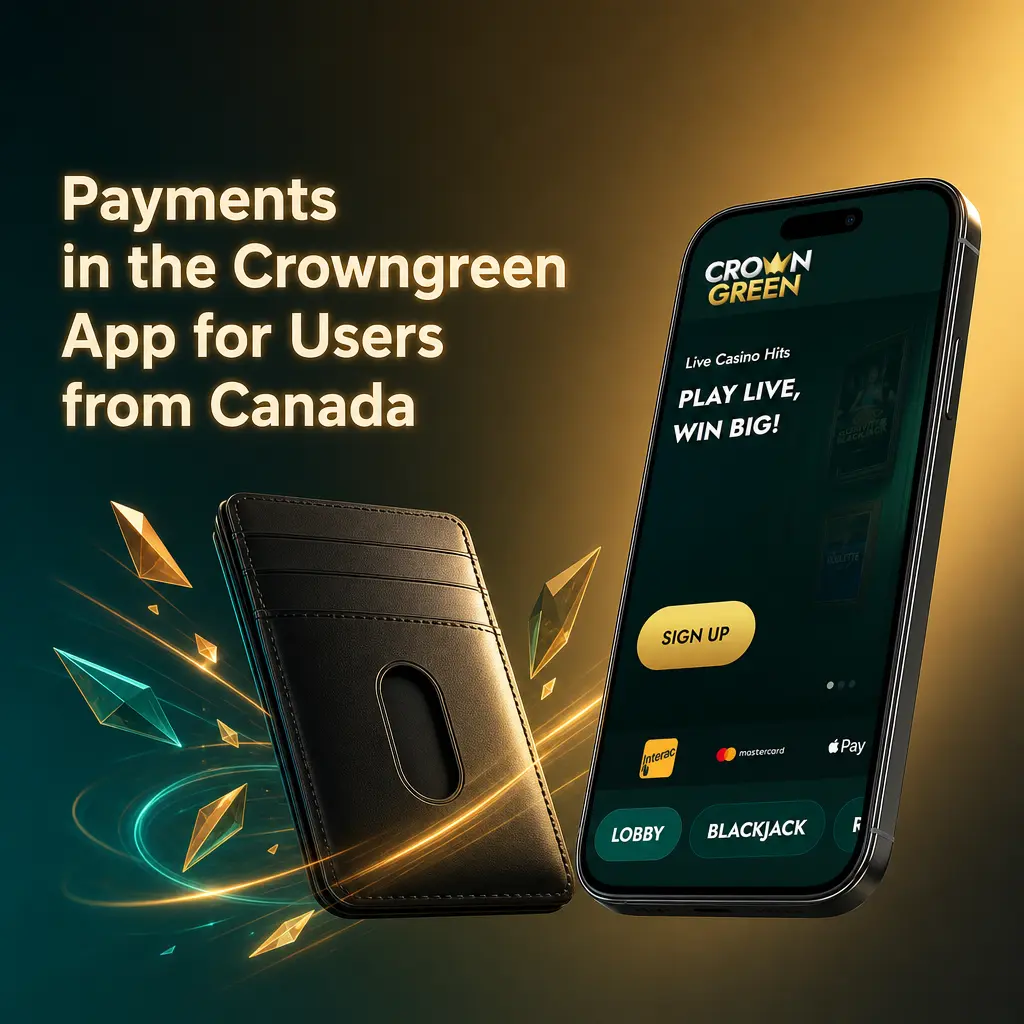
Log in to your account
Sign in with the email and password used at registration.
Open the cashier
Press Deposit in the account area to see the payment options available for Canada.
Choose a method and amount
Pick Interac, a card, a wallet or a mobile payment service and enter the sum you want to add.
Confirm the payment
Complete the confirmation on the provider side and return to the casino, where the balance updates.
Withdrawals and Payout Times
Cash outs are requested through the Withdrawal button in the account. The exact list of available methods and the current limits are shown in the cashier, because they depend on the method used for the deposit and on the status of the account. VIP levels raise the daily ceiling: Chamber and Manor allow up to 7.5K CAD per day, Estate up to 15K CAD per day, and the higher tiers add faster processing.
Verification Before Your First Withdrawal
Identity checks are usually requested before the first larger payout. Documents are submitted through the account, and having them ready shortens the wait. The requirements are the same ones described on the sign up page, and any bonus still in wagering has to be finished before a withdrawal can be processed.
FAQ
Short answers to the questions players from Canada ask about CrownGreen Payment Methods.