
CrownGreen Customer Support
Support at CrownGreen is available through a live chat widget on the site and by email. Both channels handle the same questions: payments, verification, bonus terms and access to the account. Everything else about the casino is collected on the CrownGreen casino main page.

How to Contact CrownGreen Support
The fastest route is the chat widget, which opens over the page you are already on. Email suits questions that need attachments, such as verification documents or payment confirmations.
Live chat
The LiveChat widget on the site, available from any page.
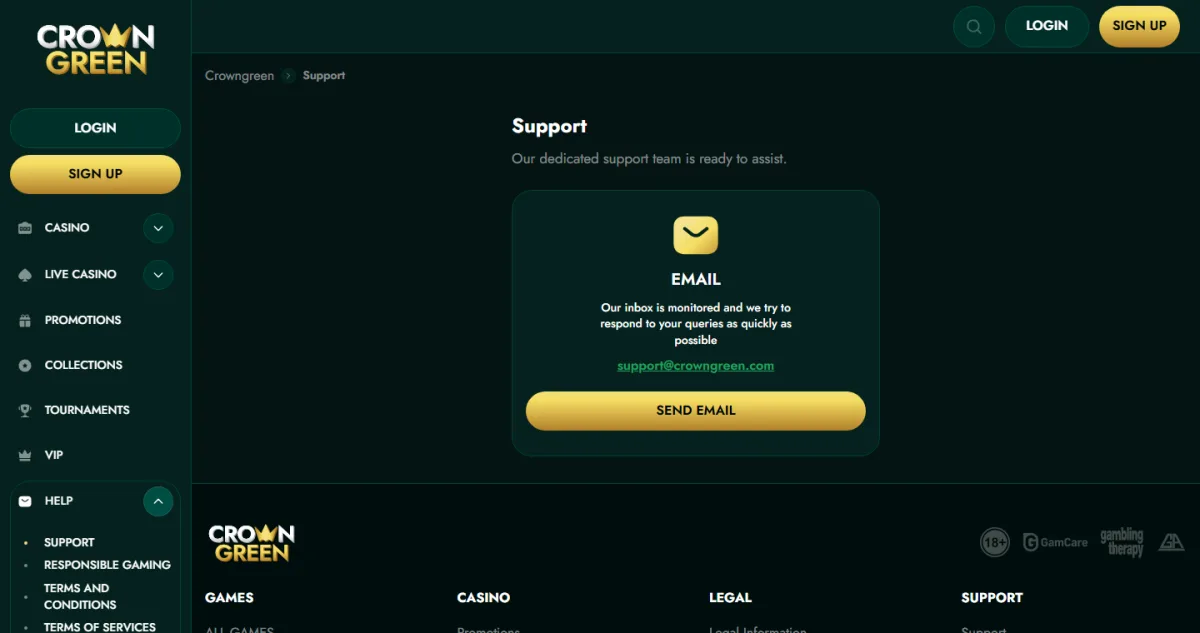
[email protected], with a Send Email button in the support section.
Help section
Terms, Privacy Policy, AML and Responsible Gaming pages in the menu.
Using the Live Chat
Keep the account email at hand: an agent will ask for it before discussing balance, bonuses or verification. Screenshots help when the question is about an error message.
- Open any page of the casino and start the chat widget.
- Describe the issue in one or two sentences.
- Give the email address linked to your account when asked.
- Attach a screenshot if the problem is a specific error or a stuck payment.

What Support Can Help With
| Topic | What to prepare |
|---|---|
| Deposits and withdrawals | Payment method, amount and time of the transaction |
| Verification | The documents requested in your account |
| Bonuses and free spins | The name of the offer and the deposit that qualified for it |
| Login and access | The email used at registration |
| Responsible gaming | The limit or restriction you want applied |
Questions about how an offer is wagered are usually answered faster if you check the terms on the bonuses page first, since most of them are set out there.

Terms, Privacy and AML Pages
The help section of the site keeps the documents that govern every account: Terms and Conditions, Terms of Services, Privacy Policy, AML and Responsible Gaming. They define bonus rules, verification requirements and payment conditions, and the licence behind them is described on the licence and safety page.
FAQ
Short answers to the questions players from Canada ask about CrownGreen Support.